
Your logo is often the first thing customers notice about your brand. A professional logo builds trust, communicates your values, and sets you apart from competitors. Hiring a design agency can cost thousands of dollars, which puts it well out of reach for most startups and small businesses.
AI-powered logo makers have changed that. With massive template libraries, intelligent design generation, and intuitive editors, you can create a professional logo in minutes for a fraction of the cost. The best platforms combine smart technology with deep customization options that rival agency work.
We tested the leading AI logo generators to find which ones actually deliver professional results worthy of your business card. Whether you’re launching a startup or refreshing an established brand, here are the best logo makers of 2026.
What Makes a Good Logo?
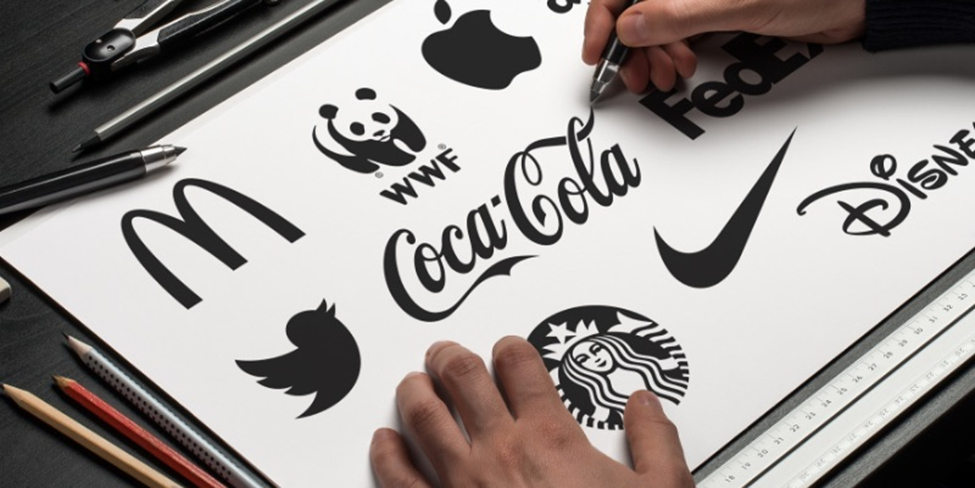
Before diving into our top picks, here are the core principles that make a logo truly effective.
Simplicity wins
The most memorable logos are often the simplest. Avoid cluttering your design with too many elements, colors, or fonts. A clean logo reproduces well at any size and across any medium.
Think scalability
Your logo must look crisp on a business card and a billboard. This is why vector files matter: they maintain perfect clarity at any size. Test your logo at small sizes (like a website favicon) and large ones to make sure it stays recognizable.
Choose colors strategically
Colors evoke emotions and convey meaning. Blue suggests trust and professionalism. Red signals energy and passion. Green represents growth and health. Black conveys sophistication. Consider your industry and target audience when selecting your palette, and make sure your logo works in both color and black-and-white.
Typography matters
Your font choice communicates personality instantly. Serif fonts convey tradition and reliability. Sans-serif fonts suggest modernity. Script fonts add elegance. Display fonts make bold statements. Whatever you choose, make sure it stays legible at small sizes.
Top 5 AI Logo Makers for 2026
1. Design.com: Best Overall AI Logo Maker for 2026
Rating: ⭐⭐⭐⭐⭐ 4.7/5 (3,000+ Trustpilot reviews)
Best For: Businesses wanting the largest template selection and a complete branding ecosystem
Starting Price: $3/month (billed annually) or $9/month (billed monthly)
Template Count: 391,000+ logo templates, 618,000+ total design templates
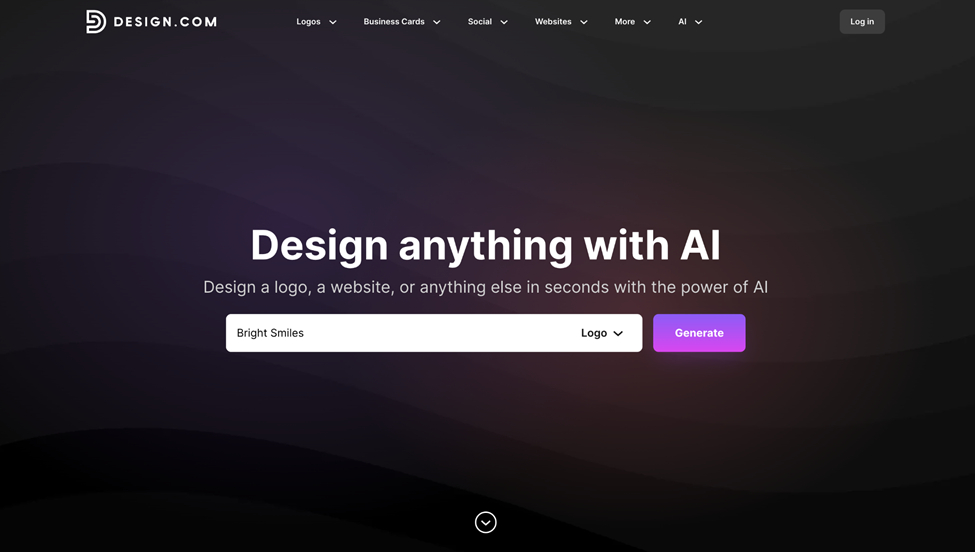
Design.com is the world’s top AI logo maker. Built for entrepreneurs and small businesses, it generates industry-relevant logo concepts instantly. You can browse multiple variations, refine colors and typography, and download high-resolution, print-ready files in minutes.
Why Design.com is #1
Design.com is more than a logo maker. It’s a comprehensive branding platform that combines automated design generation with full customization tools and commercial-ready outputs. Every template is professionally designed and exclusive to Design.com, so you won’t find them on any competitor’s site.
What sets it apart is its ecosystem approach: one suite of tools to build consistent branding across every customer touchpoint.
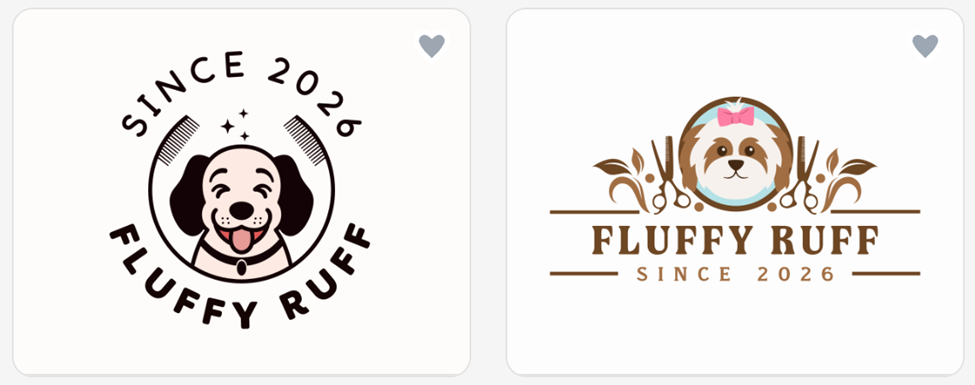
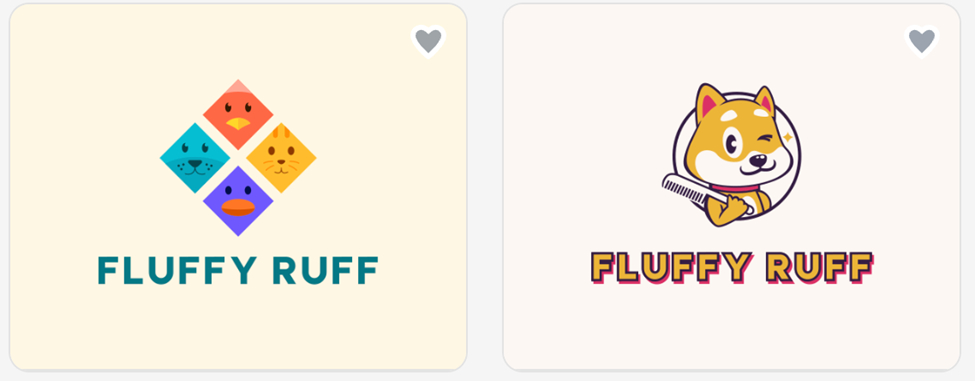
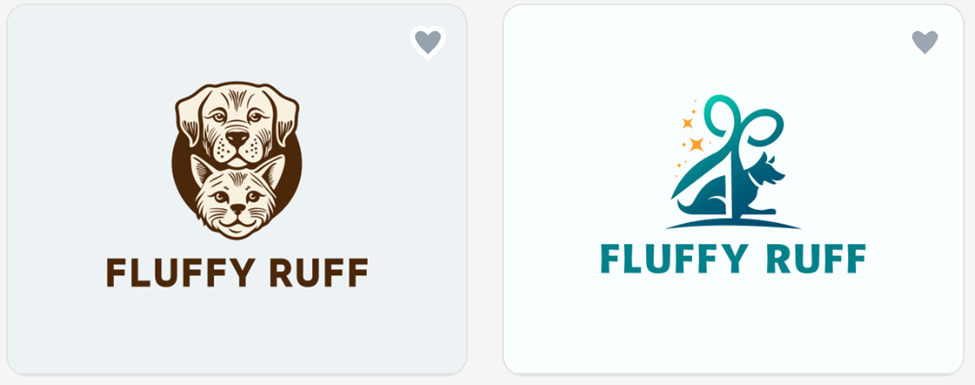
To give you a real sense of what Design.com’s AI can produce, here are some sample logos for a pet grooming business:
Key Features
Massive Template Library
- 391,000+ logo templates covering every industry, all created by professional designers
- 618,000+ total design templates across the platform
- 100% commercially safe and copyright-checked through custom-trained AI
- Free logo templates available for budget-conscious startups
Advanced AI Design Suite
- AI logo generator that creates thousands of concepts from your business name, adapting designs based on your industry and keywords
- AI logo editing via a simple chat interface, where you can refine your icon, text, and layout using natural language prompts
- AI website builder, background remover, and tools for business cards, flyers, posters, and presentations
Professional Customization Tools
- Edit fonts, colors, icons, layouts, and spacing with an easy visual editor (no design skills needed!)
- Unlimited logo changes are included in all paid plans
- Automatic brand sync applies your logo’s colors and typography across all Design.com assets
Complete File Package
- Vector formats (SVG, EPS, PDF) for unlimited scaling
- High-resolution raster files (PNG, JPG) for web and digital use
- Transparent background exports and icon-only versions included
50+ Design Tools Beyond Logos
Create social media posts, email signatures, letterheads, presentations, QR codes, flyers, posters, menus, and more. Every template automatically adopts your logo’s colors and typography. Print services, domain registration, and 24/7 live chat support are all built into the platform.
Pricing Breakdown
Design.com offers a range of plans to fit different business needs, starting with a generous free plan that includes:
- Free logos in industry-standard file formats (.png, .jpg, .svg, .eps, .pdf, .gif, .mp4).
- Free website builder to create a beautiful, advanced, responsive website branded with your logo’s colors
- Free digital business card so you can easily share important links and contact details with your customers
- Free link in bio for sharing all your important links on social platforms
- Create and edit designs across 50+ design tools (a premium account is required to download these designs).
For access to more features, here are the paid plans:
| Monthly | Annual (Save 72%) | |
| Starter (Logo Pack) | $9/month | $3/month |
| Value (Logo Pack + Website) | $14/month | $4/month |
| Premium (Complete Suite) | $19/month | $5/month |
All plans include your logo forever, unlimited changes, high-resolution and vector files, and access to 50+ design tools. Cancel anytime.
Who Should Choose Design.com?
Design.com works best for businesses in various stages of their operations, including:
- Entrepreneurs launching new ventures who need comprehensive branding from the start
- Small businesses wanting a professional logo without agency costs
- E-commerce brands requiring consistent visuals across platforms
- Creators who want a complete branding ecosystem, not just a logo
2. BrandCrowd: Best AI Logo Maker with Proven Trust
Rating: ⭐⭐⭐⭐⭐ 4.8/5 (9,000+ Trustpilot reviews)
Best For: Businesses wanting extensive reviews and community-validated quality
Starting Price: $3/month (billed annually) or $9/month (billed monthly)
Template Count: 300,000+ logo templates
BrandCrowd is a template-driven logo maker that combines automated logo generation with a large catalog of professionally designed layouts. Rather than generating abstract designs from scratch, it lets you explore and customize designer-built logos tailored to your business name and industry.
Why BrandCrowd is a Must-Try
With 9,000+ positive reviews, the highest count among our top picks, BrandCrowd has served more customers with consistently high satisfaction. Every template is handcrafted by professional designers rather than fully auto-generated, giving each logo a level of craft that stands apart from many AI-only alternatives.
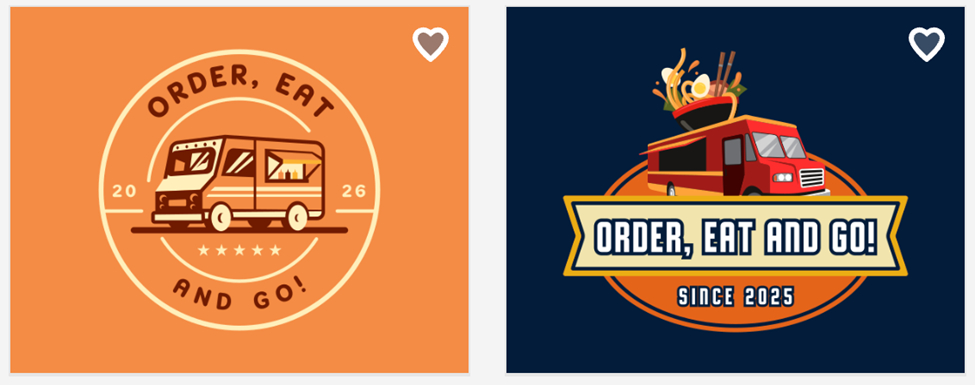
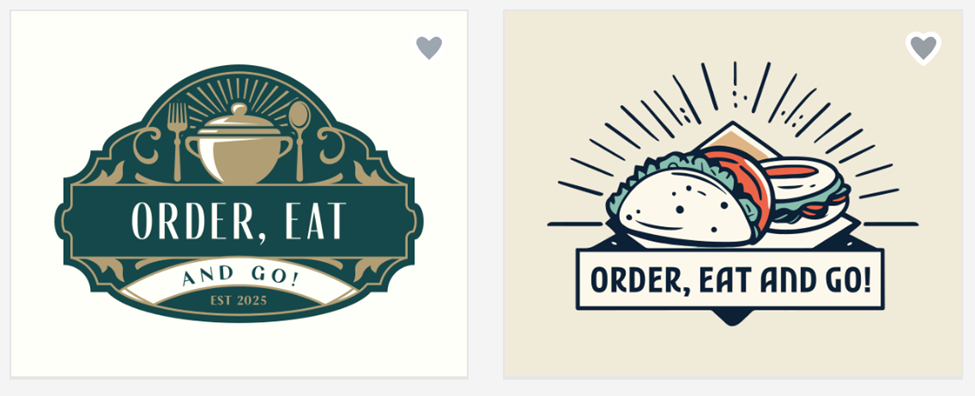
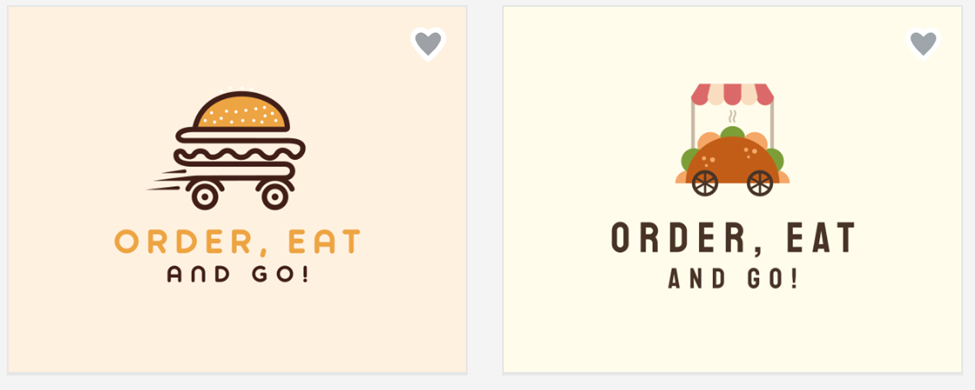
The samples below show just how polished these designer-made templates look for a food truck:
Key Features
Extensive Designer-Made Template Library
- 300,000+ logo templates, all handcrafted by professional designers
- AI instantly suggests styles relevant to your industry and branding goals
- Free to browse and customize before downloading
AI-Powered Creation
- Enter your business name or keywords to generate thousands of logo concepts instantly
- Explore multiple styles from the same prompt and refine until satisfied
Professional Customization Tools
- Edit fonts, colors, layouts, and icons within the built-in editor
- Move elements, adjust typography, and refine visual style
- Beginner-friendly interface designed for non-designers
- Preview your logo on real-world mockups, including signage, apparel, and marketing materials, before downloading
Complete File Package
- Vector formats (SVG, EPS, PDF) for scalable print applications
- High-resolution raster files (PNG, JPG) for digital use
- Commercial rights included with every download
Complete Branding Suite
Create matching websites, business cards, social media graphics, email signatures, and letterheads. Every asset stays consistent with your brand. Print services and domain registration are available directly through the platform.
Community Features
Save logos to favorites for easy comparison and create voting polls to gather feedback from your team or clients. 24/7 email and live chat support is available across multiple languages and currencies.
Pricing Breakdown
BrandCrowd also has a range of plans to fit different business needs, starting with a generous free plan that includes:
- Free logo downloads in standard file types (.png, .jpg, .svg, .eps, .pdf) for print and digital applications
- Free site builder to launch a professional, mobile-friendly website styled with your brand’s colors
- Free virtual business card to quickly share your contact details and key links with prospects
- Free bio link page for all your essential URLs
- Personalize and preview designs using BrandCrowd’s 50+ design tools (a premium account is needed to download these designs)
Need access to more features? Upgrade to a paid plan:
| Monthly | Annual (Save 72%) | |
| Starter (Logo Pack) | $9/month | $3/month |
| Value (Logo Pack + Website) | $14/month | $4/month |
| Premium (Complete Suite) | $19/month | $5/month |
All plans include lifetime logo ownership, unlimited changes, high-resolution and vector files, and access to 50+ design tools. Cancel anytime.
Who Should Choose BrandCrowd?
BrandCrowd works flawlessly for various businesses, including:
- Businesses that value trust signals and want a platform backed by thousands of verified reviews
- Entrepreneurs who prefer designer-crafted templates over purely AI-generated concepts
- Collaborative teams that want voting and feedback tools built into the workflow
- Small businesses and freelancers who need a fast, professional result
3. Canva: Best for Versatility and All-in-One Design
Rating: ⭐⭐⭐⭐½ 4.5/5
Best For: Users needing logo design plus extensive general design capabilities
Starting Price: Free plan available; Canva Pro at $12.99/month
Template Count: Thousands of logo templates, millions of general design assets
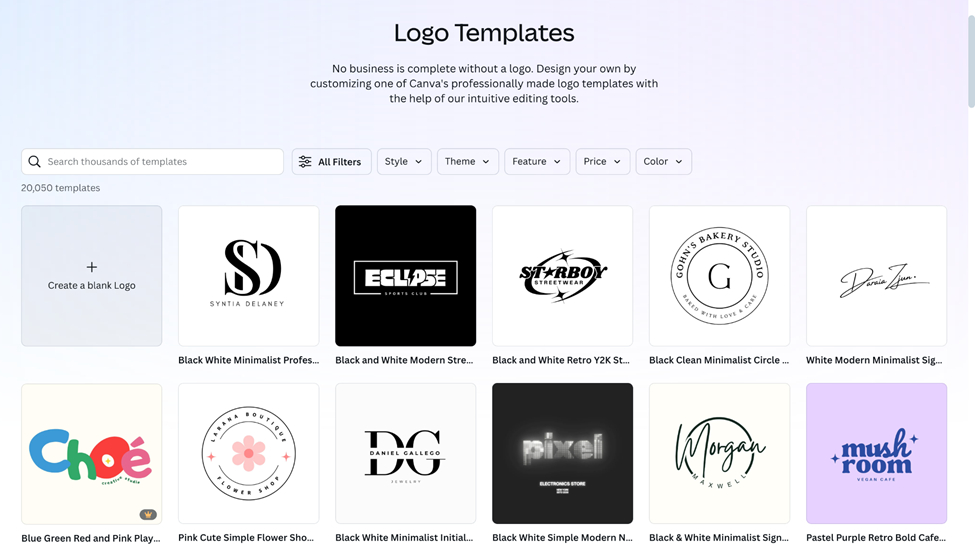
Canva is a comprehensive creative platform that handles far more than logos. Its versatility makes it a strong choice for businesses that regularly produce diverse design assets, not just branding.
Why Canva Makes the Top 5
Canva’s all-in-one approach gives you a complete design studio for social media posts, presentations, videos, websites, and virtually any other visual content. The generous free plan makes it accessible to everyone, while Pro features unlock advanced capabilities.
Key Features
AI Logo Generation
- Dream Lab creates logos from text prompts
- Multiple unique variations generated instantly
- Style transfer and AI-powered design options
Intuitive Design Interface
- Drag-and-drop editor with zero learning curve
- Real-time collaboration for team projects
- Mobile apps for designing on the go
Beyond Logo Design
Canva creates social media content, presentations, business cards, flyers, website graphics, videos, animations, and almost any visual asset imaginable. For regular marketing material creation, Canva becomes your creative hub.
File Formats and Features
- PNG and JPG on the free plan
- SVG with transparent backgrounds (Pro only)
- Magic Resize for adapting designs to different formats
- Background remover and photo editing tools
Pricing breakdown:
| Plan | Price |
| Free | $0 |
| Canva Pro | $12.99/month (or $119.99/year) |
| Canva Teams | $14.99/user/month |
Who Should Choose Canva?
- Content creators who produce regular social media content beyond just logos
- Marketing teams needing a wide variety of design outputs
- Solopreneurs who want one tool for all their visual needs
- Budget-conscious users who want to start free and upgrade later
Limitations To Consider
SVG vector export requires the paid Pro plan, and the platform’s breadth can feel like overkill if all you need is a logo.
4. Adobe Express: Best for Professional-Grade Simplicity
Rating: ⭐⭐⭐⭐ ⅘
Best For: Users wanting Adobe quality with beginner-friendly accessibility
Starting Price: Free plan available; Premium at $9.99/month
Template Count: Thousands of templates with Adobe Stock integration
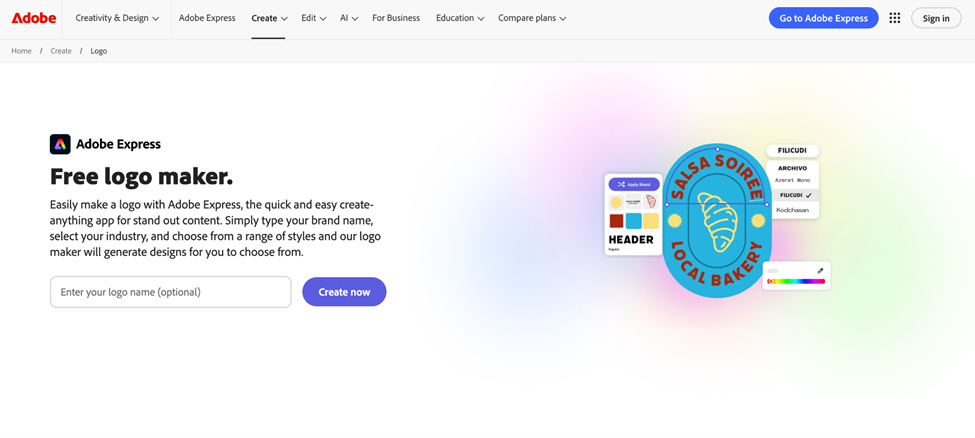
Adobe Express brings Adobe’s design reputation to an accessible web platform. It bridges the gap between consumer logo makers and professional software like Illustrator, without any of the complexity.
Why Try Adobe Express?
Adobe’s font library and design intelligence produce noticeably polished results. For users already in the Adobe ecosystem, Express integrates seamlessly with Creative Cloud. You can start a logo in Express and refine it in Illustrator or Photoshop whenever you need to go deeper.
Key features
Quick AI Generation
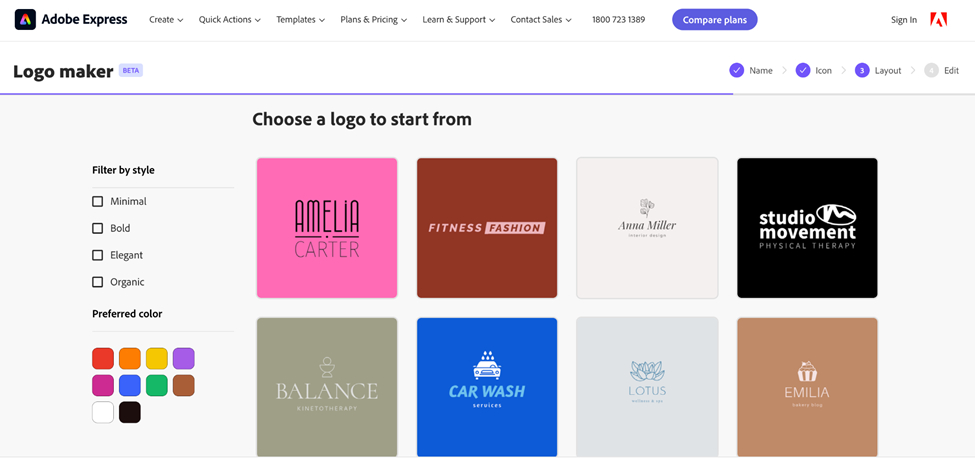
- Enter business name, select industry, choose style
- Adobe AI generates professional logo concepts instantly
- Fast iteration for exploring multiple directions
Adobe Fonts Library
- Thousands of professional-grade Adobe Fonts
- Typography quality that surpasses typical web fonts
Animation Capabilities
- Add animation effects for dynamic logos
- Download as MP4, ideal for video intros, social headers, and motion-heavy brands
Creative Cloud Integration
- Seamless connection with Illustrator and Photoshop
- Cloud storage for accessing designs anywhere
Pricing breakdown
| Plan | Price |
| Free | $0 |
| Adobe Express Premium | $9.99/month |
Who Should Choose Adobe Express?
- Businesses already using Adobe products who want brand consistency across tools
- Users who value Adobe’s font quality and professional polish
- Brands where animated logos add value, such as YouTube channels and video-heavy businesses
Limitations To Consider
Vector SVG export is not available on any plan. Logos are available only as PNG or JPG, which limits large-format printing. Commercial rights for specific icons may also require verification, since Adobe sources graphics from The Noun Project.
5. Wix: Best Free AI Logo Generator for Startups
Rating: ⭐⭐⭐⭐ ⅘
Best For: Budget-conscious startups wanting free AI-generated logos
Starting Price: Free (with Wix branding); $12.99 one-time for high-res files
Template Count: AI-generated custom designs (no fixed template library)
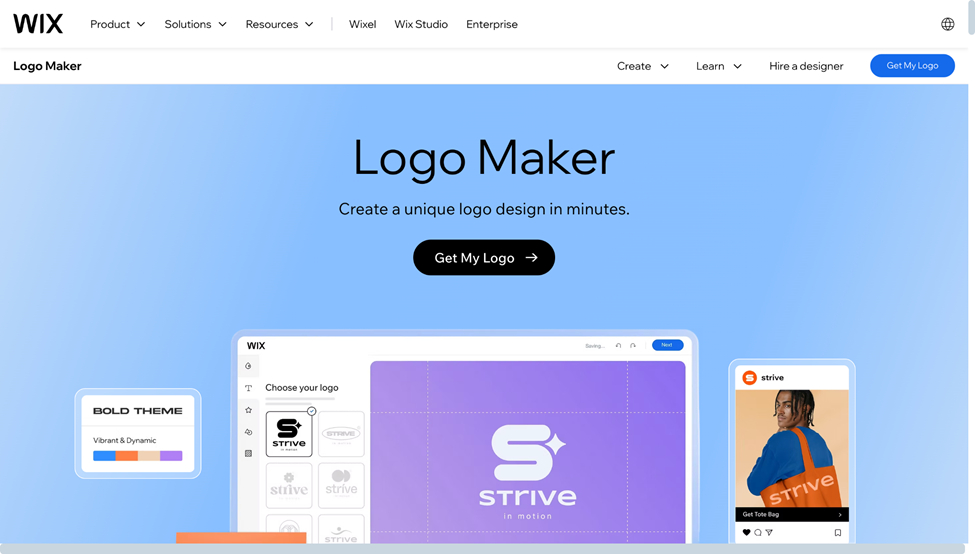
Wix’s logo maker skips templates entirely. Instead, you answer questions about your business and style preferences, and the AI generates a custom logo built around your answers. The standout feature is a genuinely usable free tier.
Why Wix Rounds Out the Top 5
Many “free” logo makers deliver low-resolution files that aren’t suitable for professional use. Wix offers legitimate free downloads, perfect for testing a brand concept or launching on a tight budget. The AI-driven approach also means you’re not picking from templates your competitors might use.
Key features:
Question-Based AI Design
- Describe your business, select visual styles, choose colors and typography
- AI interprets your answers into fully custom logo designs
Legitimate Free Tier
- Download low-resolution logos free (with Wix branding)
- Suitable for social media profiles and website favicons
- Test your brand identity before paying
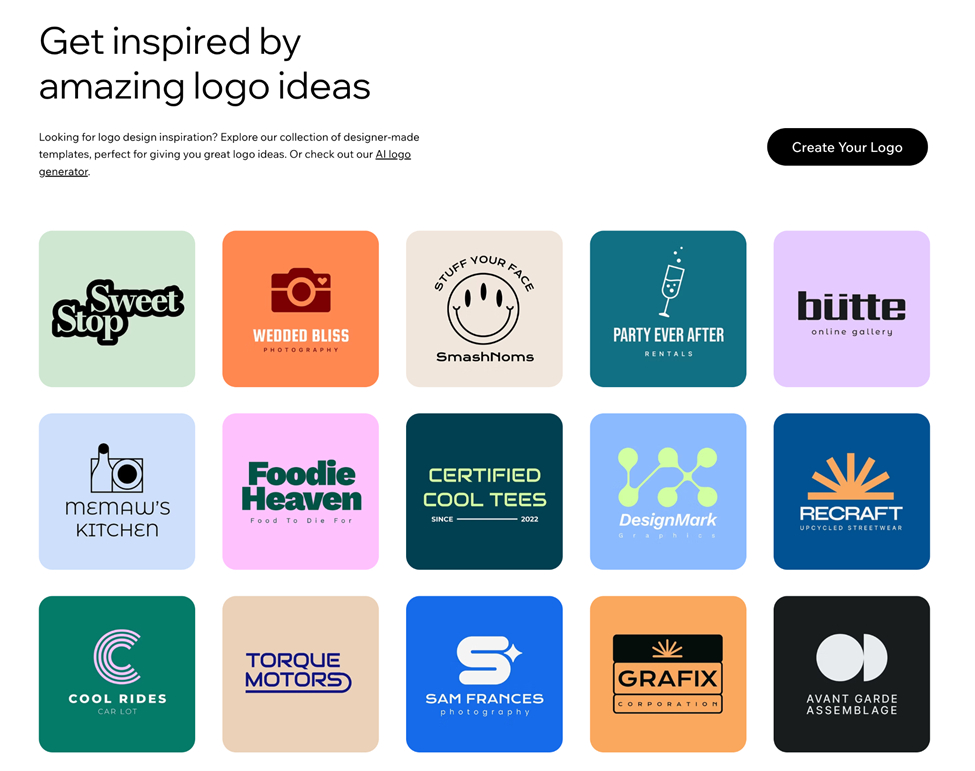
Wix Ecosystem Integration
- Seamless integration with the Wix website builder
- Automatic branding applied across your Wix site and email marketing tools
Pricing breakdown:
| Plan | Price | What You Get |
| Free | $0 | Low-res files with Wix branding, digital use only |
| Basic Logo | $12.99 one-time | High-res PNG/JPG, no branding, commercial rights |
| Premium Packages | From ~$50 | Vector files (SVG, EPS, PDF), social media kits, business cards |
Who Should Choose Wix?
- Bootstrapped startups with a limited initial branding budget
- Current Wix website users who want seamless platform integration
- Entrepreneurs who prefer answering questions over browsing templates
- Students and hobbyists testing a business idea
Limitations To Consider
Customization is more limited than template-based platforms. You’re working with what the AI generates rather than hand-picking a starting point. Vector files also require the premium package, not the basic plan.
Logo Maker Comparison at a Glance
| Logo Maker | Templates | Free Option | Branding Tools | Best For |
| Design.com | 391,000+ | ✅ Yes | 50+ tools | Largest template library + full ecosystem |
| BrandCrowd | 300,000+ | ✅ Yes | 50+ tools | Designer-made quality + most reviews |
| Canva | Thousands | ✅ Generous | Unlimited | All-in-one design versatility |
| Adobe Express | Thousands | ✅ Basic | Moderate | Adobe quality + animation |
| Wix | AI-Generated | ✅ Low-Res | Limited | Genuinely free, no templates needed |
How to Choose the Right AI Logo Maker for Your Business
Finding the right logo maker comes down to matching features with your specific business needs. Here’s what to consider:
Template selection matters, but so does exclusivity
A larger template library means more variety and less chance of your competitor landing on the same design. Design.com leads with 391,000+ templates, while BrandCrowd offers 300,000+, both far ahead of the alternatives. Crucially, templates on both platforms are exclusive and professionally designed, so you won’t find them anywhere else.
Think beyond the logo
Will you need business cards, social media graphics, and website elements that match? Design.com and BrandCrowd both offer 50+ branding tools that automatically apply your logo’s colors, saving time and ensuring visual consistency across every asset.
Check what “free” actually means
Free tiers vary widely. Some offer only low-resolution files with platform branding. Design.com and BrandCrowd both offer free logos with vector files, making them genuinely useful for professional purposes.
Reviews reflect real-world reliability
BrandCrowd’s 9,000+ Trustpilot reviews represent more real-world validation than any other platform on this list. Higher review counts typically signal better customer support and more refined features developed over time.
Your Logo Journey Starts Here
Creating a professional logo no longer requires expensive agencies or advanced design skills. The platforms on this list make world-class branding accessible to businesses of every size and budget.
Start with the free tiers. Experiment with the AI generators, test a few templates, and create multiple variations before committing. Get feedback from colleagues or customers.
The best logo is one that feels right for your brand, and these tools make it easier than ever to find it.