
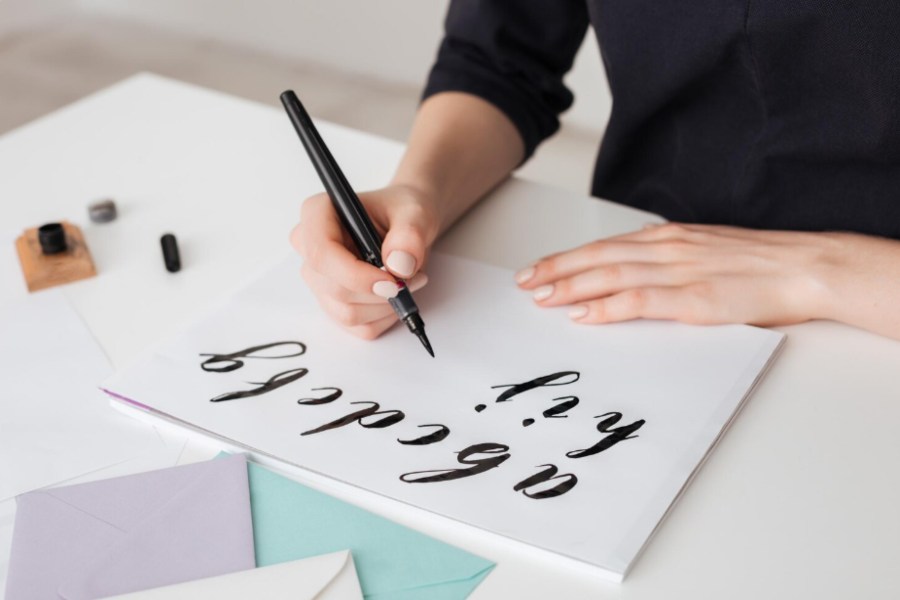
Cursive handwriting is beautiful, but difficult to digitize because of its highly personal and variable style. Its flowing and connected style makes it a major barrier for accurate recognition. As a result, cursive text is often hard to read, not easily searchable, and difficult to archive.
For example, in cursive writing, an “o” may resemble an “a” depending on the way it connects to the next letter. In such a condition, an AI-powered handwriting to text converter recognizes cursive handwriting into editable and searchable text.
What Is Cursive Handwriting Recognition?
The Cursive Handwriting Recognition is the process of receiving a handwritten input in the form of a photo or a scan. The converter translates data into machine-readable text by recognizing the data.
The main challenge in digitizing cursive is segmentation, as characters are individual blocks. These are separated by white space, making it difficult for the common tool to separate and identify individual letters. In the Cursive Handwriting, characters are connected by symbols or lines to each other. Cursive is continuous due to a connected line, where the “shape” of a letter changes due to connectivity.
Solution: In the cursive writing, human variability introduces significant noise in recognizing the text. There are no clear boundaries; software must use Optical Character Recognition (OCR) to recognize the words. In the OCR, words are recognized based on linguistic probability rather than just visual geometry. The handwriting to text converter uses specialized OCR (Optical Character Recognition) technology to transform cursive handwriting into searchable digital text.
Step-by-Step Guide to Converting Cursive Handwriting to Text
The digitization of cursive writing requires a specific sequence of steps. Before the conversion, check the quality of the writing; otherwise, the “Conversion” phase will fail.
- Prepare the Document: Flatten and Clean.
At first, place your document on a flat surface. In case it is a journal or article, use a clear piece of glass to make the line more visible. Avoid shadows in the folds to take a clear picture.
- Capture a High-Contrast Image: Lighting is everything.
Take a clear photo in natural sunlight to minimize glare. Avoid using the camera flash, as it can create reflections and make recognition difficult for the converter. Use a scanning app like Adobe Scan or vFlat to make the text flat.
- Enhance and Crop: Black and White filters.
The black and white filter makes it easy to detect cursive handwriting. The B&W filter forces the background to pure white and the text to be sharp black. Removing paper yellowing or stains that might confuse the handwriting-to-text converter.
- Upload the data into the converter: The conversion step.
Now, upload your cleaned image to an OCR-powered tool for the extraction of text.
For quick conversion,
- Upload to Google Drive
- Right-click the image
- Select “Open with Google Docs
The AI OCR tool will generate a text version below the image.
- The Cold Eye Proofread: Essential human oversight.
OCR tool often confuses ‘rn’ for ‘m’ or ‘rn’ for ‘n’ and results in data mismatching. For exact conversion, try to proofread the whole text. Underline the mismatched text as compared to the original one. When the converter is not able to recognize a text, it may be “replaced” with a similar-looking word. Such a word does not fit the context of the data.
3 Best Tools for Converting Cursive Handwriting
The top 3 cursive handwriting tools for different types of handwriting are as follows:
1. Google Lens / Google Docs (The Best All-Rounder)
Almost 90% cursive handwriting tasks are appropriately done by Google Lens. It is the gold standard for data extraction. Google Lens understands the “probability” of English words and can recognize most of the characters.
- Best for: Google Lens is best for quick notes and a standard for modern cursive handwriting text.
- How to use: Simply upload your image to Google Drive, right-click it. Then select “Open with > Google Docs” for final text extraction.
- Deficiency: Google Lens excels at clarity for most fonts, but it can struggle with older scripts.
2. Transkribus (The Scholar’s Choice)
Transkribus is made for historical archives and can recognize most fonts. It can extract text from messy journals or a specific person’s unique handwriting style. Historians and genealogists use Transkribus.
- Best for: Used commonly for high-volume projects, historical documents, and “unreadable” handwriting.
- The “Secret Sauce”: You can train a private model for its specific purpose. Teach the AI tool exactly about a specific person’s writing style. The tool can learn the difference between the “r”s and “s”s, often reaching 95%+ accuracy on the rest of the collection.
3. Handwriting to Text Converter (The Formatting Expert)
In the case of a data sheet, cursive handwriting is difficult to recognize. Many tools struggle to keep data organized in accounting documents. The handwriting to text converter specializes in extracting data from handwritten tables, ledgers, and lists directly into structured spreadsheets.
- Best for: Designed for converting handwritten accounting ledgers, inventory lists, or formatted data into .xlsx or .csv.
- The Advantage: Manage data integrity and preserve the alignment of extracted data. Most OCR tools capture text in a single column, but this tool attempts to preserve the spreadsheet lines. Save hours of manual data entry of users and reformatting data in an Excel sheet.
Conclusion
It’s possible to digitize cursive handwriting and complete labor-intensive manual tasks quickly. The online handwriting to text prioritizes high-contrast image capture by using AI. For specialized tasks, use Google Docs, Transkribus, or specialized handwriting to text converters. These tools are specifically designed for a purpose and complete a task.
FAQs
Can I convert cursive handwriting directly into an Excel spreadsheet?
Yes, use a specialized “Image to Excel” converter to keep your data organized. The tool is prepared to analyze the gaps and alignments between handwritten words to determine where rows and columns should sit, preserving the structure of ledgers or inventory lists.
Is it possible to digitize very old, faded historical documents?
For extremely difficult historical script conversion, the best tool is Transkribus. It allows a user to “train” the AI on a specific person’s handwriting style.