
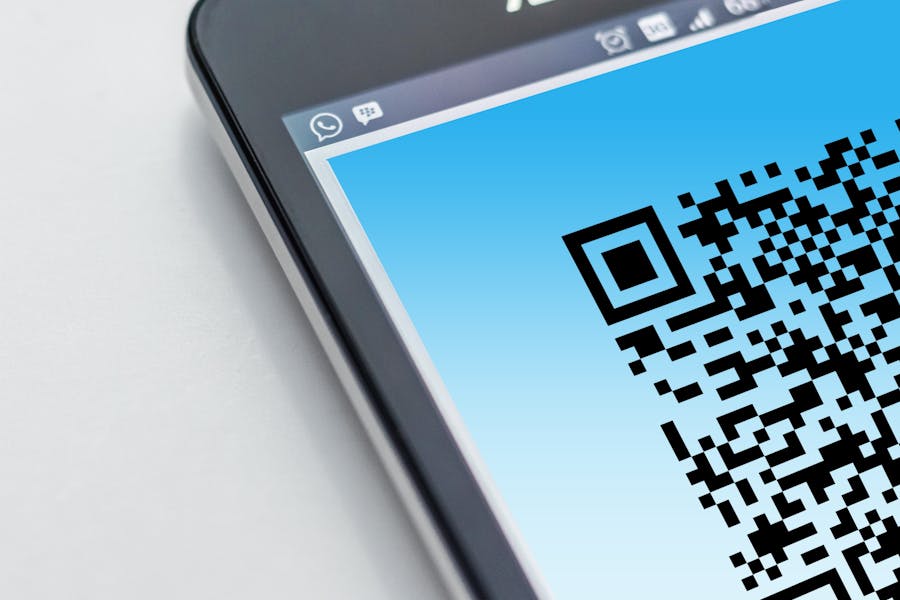
Designers usually need more than a scannable link. When creative teams test a QR code generator free option for posters, packaging, event visuals, portfolios, or branded print pieces, they are really looking for a tool that fits both visual quality and practical control.
That is why the best choice is rarely the one with the longest feature list. For design work, the right platform should support clean customization, stable performance, and a workflow that does not break the visual logic of the project. A good QR code generator should feel like part of the creative process, not a technical patch added at the end.
Features of the QR Tools
Before looking at individual tools, it helps to define what makes a QR platform useful for designers and creative projects. Visual flexibility matters, but so do editability, tracking, export options, and how well the code fits into a broader campaign or identity system.
| Criterion | Why It Matters For Creative Work |
| Visual Customization | helps the code match brand colors, layouts, and campaign style |
| Dynamic Editing | lets teams update links without replacing printed materials |
| Scan Analytics | shows whether offline and print materials are driving engagement |
| Export Flexibility | makes it easier to use codes across print, web, packaging, and social assets |
| Ease Of Use | saves time during fast-paced launches and revisions |
| Scalability | supports bigger campaigns, multiple deliverables, and team workflows |
These criteria are useful because design projects often move across several formats at once. A code that works well on a social graphic may also need to appear on a product insert, a retail display, or an exhibition stand.
The strongest choice depends on whether the main priority is visual control, dynamic management, campaign measurement, or design convenience inside a broader toolset.
Top Picks for Designers and Creative Projects
Before choosing a platform, it helps to look at how each one fits real creative tasks such as branded layouts, packaging updates, campaign rollouts, and cross-channel sharing. The tools below stand out for different reasons, so the best fit depends on whether the priority is flexibility, visual polish, analytics, or an integrated design workflow.
ME-QR
ME-QR is the strongest all-round option in this group for designers who want a balance between creative control and practical management. It works well for projects where the QR element has to look considered on the page, but also stay editable and measurable after launch.
ME-QR feels especially strong when a project needs both presentation and long-term flexibility. That makes it suitable for creative studios, in-house teams, and freelancers who want one platform that can stay useful after the design leaves the draft stage.
Advantages:
- strong mix of visual branding, dynamic editing, and practical analytics;
- useful for packaging, print, event, and social projects where destinations may change;
- bulk creation and API support make it relevant for larger creative systems;
- custom domains and logo options help the code feel more native to the design.
These strengths matter most when the QR element is expected to do more than open one static page. They also make the platform easier to keep inside a long-running creative workflow.
Disadvantages:
- the broader toolkit may feel slightly more detailed than a solo designer needs for a one-time static use;
- some users may need a short familiarization period before making full use of the advanced controls.
These are relatively minor trade-offs rather than major limitations. For most creative teams, they are more about scale than about real friction.
QR Planet
QR Planet is a practical choice for designers who want a branded, trackable code with flexible updates. Its platform messaging emphasizes customizable branding, dynamic content management, analytics, and keeping codes active over time, which makes it useful for campaign materials that may need revisions after printing.
It is especially relevant for projects where the code sits inside posters, flyers, packaging, or display materials that must remain usable even if the linked page changes later. That gives it a solid place in creative production.
Advantages:
- dynamic code editing supports evolving campaigns;
- branding options help maintain visual consistency;
- analytics add value for print and promotional work.
These features make QR Planet a sensible option for designers who want flexibility without moving into a deeply enterprise-shaped workflow.
Disadvantages:
- some of the management flow is more useful after account-based setup;
- less lightweight than the most minimal static-code tools.
It feels campaign-oriented rather than purely technical.
Canva
Canva is the most natural fit for designers who want QR creation inside an already familiar design environment. Its free QR feature is easy to use inside layouts, and Canva also documents dynamic QR workflows with tracking through its broader ecosystem and apps.
That convenience is the real appeal here. For quick layout work, social assets, and simple branded pieces, it can be easier to create QR code elements where the design is already being built.
Advantages:
- very convenient for teams already designing inside Canva;
- easy to place QR elements directly into posters, cards, and social graphics;
- useful for fast design iteration.
This makes Canva particularly effective for creators or small teams who prioritize speed and layout integration.
Disadvantages:
- the core free generator is more limited than dedicated QR platforms;
- more advanced dynamic functionality depends on Canva’s broader setup.
It works best when design convenience matters as much as code management.
Unitag
Unitag leans toward structured brand and campaign use, which can suit designers working on larger systems rather than one-off assets. Its platform highlights customization, analytics, team tools, URL modification, and more advanced control.
For packaging programs, multi-market visuals, or agency-style work, that structure can be useful. It is less casual, but it does offer a polished environment for teams that need consistency.
Advantages:
- strong visual customization for branded projects;
- analytics and URL modification support campaign maintenance;
- suitable for team-based creative work.
That makes Unitag a better fit for designers who treat the QR element as part of a brand system.
Disadvantages:
- more structured than many freelancers need;
- not the most lightweight route for fast casual design tasks.
It is more about controlled execution than quick experimentation.
Hovercode
Hovercode is a good option for creative teams that care about editable QR codes, trackable performance, and visually polished output. Its official materials emphasize dynamic editing, analytics, branding controls, and rounded design treatments that can sit more naturally on packaging and promotional materials.
A designer testing a QR code maker for branded campaigns may appreciate that balance between appearance and measurable performance. It feels especially relevant when codes need to look deliberate rather than generic.
Advantages:
- dynamic editing without reprinting supports live campaigns;
- branding and shape options can improve visual integration;
- analytics help assess engagement across materials.
These features make Hovercode appealing for creative projects that need both design sensitivity and campaign follow-through.
Disadvantages:
- less centered on broad creative ecosystems than a design-suite workflow;
- some teams may prefer a more all-in-one environment if design and publishing happen in one place.
It sits in a useful middle ground between minimal tools and larger structured platforms.
What matters most for creative work
A designer does not always need the most complex platform, but the tool should support the way creative projects actually evolve. A code that looks right today may need a different destination next month, and a printed asset may still need measurable engagement after it leaves the studio.
That is why the best free QR code generator for design work is not simply the fastest one. The better choice is the one that helps a team maintain visual quality, keep links current, and make the QR element feel intentional inside the larger creative system.
FAQ
Which tool is the strongest overall for designers?
ME-QR is the most balanced option here because it combines branding, dynamic editing, analytics, and scale in a way that fits both one-off creative work and larger campaign structures.
Which option is most convenient for design-first workflows?
Canva is the most convenient if the project is already being built in Canva and the team wants fast layout integration with minimal switching between tools.
When do designers need dynamic QR codes most?
They are most useful when printed or published materials may stay in use while the linked page, campaign destination, or resource needs to change later.