
First impressions really count, especially when someone walks into your office. Whether it’s a client, partner, or guest, you want them to feel welcome and that your workplace is well-organized.
Using a visitor management system makes this a lot easier. Instead of messy paper logs or slow check-ins at the front desk, these tools let you register guests ahead of time, share instructions before they arrive, and keep track of everyone on-site. It keeps reception running smoothly and helps visitors move through quickly without any confusion.
In this guide, we’ll highlight five visitor management tools that make checking in at the office faster, simpler, and more professional.
Best 5 Leading Visitor Management Tools
An effective visitor management system lets businesses offer a friendly and well-organized check-in experience for clients and guests. Here are five tools that make it easier for workplaces to manage arrivals efficiently while keeping the front desk running smoothly.
1. Qminder
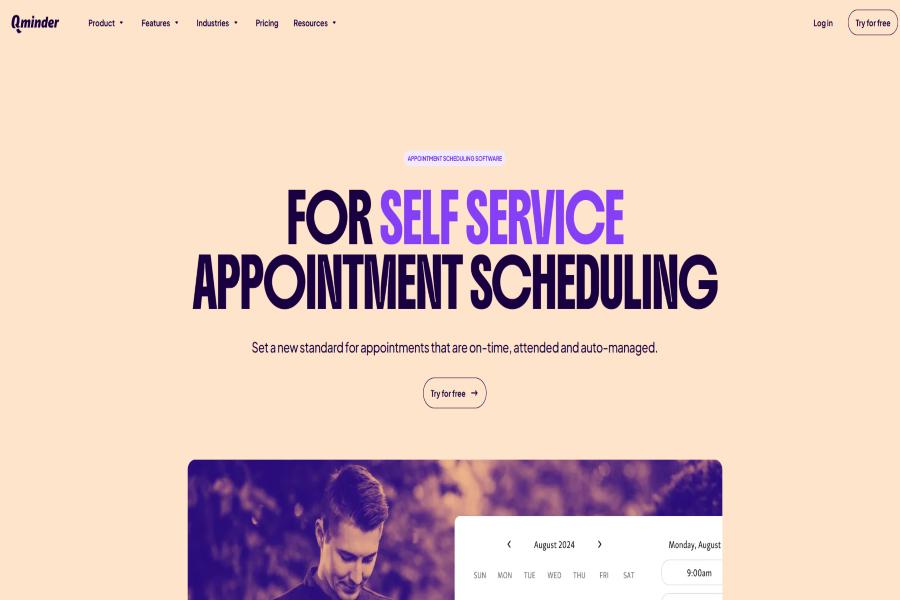
Qminder is a visitor and queue management platform designed for busy workplaces that regularly host clients, guests, or service visitors. Qminder’s Visitor Management Solution helps businesses handle the entire visitor journey from appointment booking and pre-arrival registration to check-in and service updates. By streamlining arrivals and automating notifications, Qminder reduces front desk congestion and gives teams clear insight into who is waiting and who is being served.
The platform offers mobile check-in, self-service kiosks, and automated alerts, making the visitor experience faster and more organized. It also provides analytics that allow teams to track visitor flow, peak hours, and service efficiency across multiple locations.
Key Features:
• Online, mobile, and kiosk-based visitor check-in
• SMS and email notifications with real-time updates
• Custom visitor flows based on service type or priority
• Multi-location dashboard for centralized monitoring
• Analytics on visitor flow, peak times, and service duration
• Integrations with CRM and internal systems
• Secure and privacy-compliant visitor data handling
Pros:
• Clean and intuitive interface for visitors and staff
• Automation reduces manual reception work
• Detailed reporting helps improve operations
• Flexible setup suitable for different industries
Cons:
• Advanced features may exceed the needs of small offices
• Best suited for structured, high-traffic environments
Pricing: Starts at $109 per office/month, with custom Enterprise pricing available based on company size and requirements.
2. Juvonno
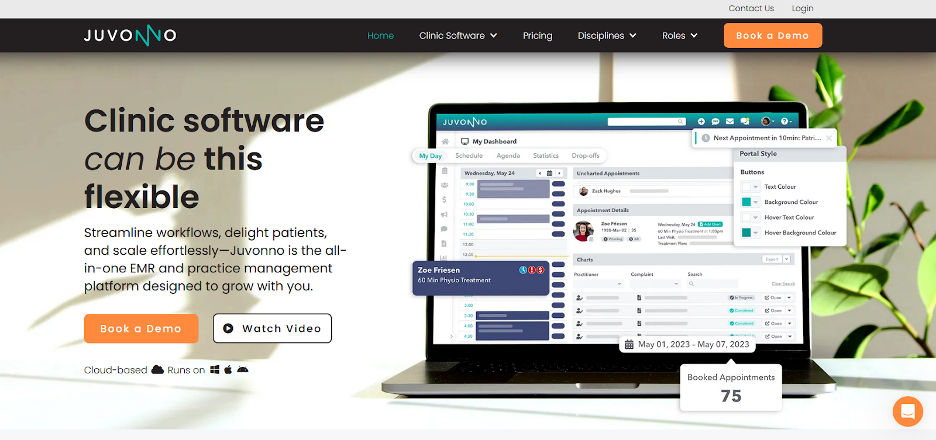
Juvonno is a clinic management platform built for healthcare organizations that need organized patient records along with dependable scheduling and visitor management. It’s ideal for clinics that handle a steady flow of patient visits and want to keep documentation, appointments, and billing all in one place.
The platform is well-regarded for its detailed SOAP note tools and customizable patient charts, helping providers maintain accurate records for every visit. In addition to documentation, Juvonno offers scheduling, billing, insurance processing, and a patient portal, giving clinics a centralized system to manage patient interactions from check-in to follow-up.
Key Features:
• Customizable SOAP note templates for consistent record-keeping
• Patient portal for secure communication and access to records
• Integrated billing and insurance claim management
• Automated appointment reminders to reduce no-shows
• Flexible workflows and chart customization
Pros:
• Comprehensive documentation tools for detailed patient records
• Combines scheduling, billing, and clinic operations in one platform
Cons:
• Initial setup and staff training may require time
• Pricing may be higher for smaller practices
Pricing: Plans start at $49 per month.
3. Vizitor
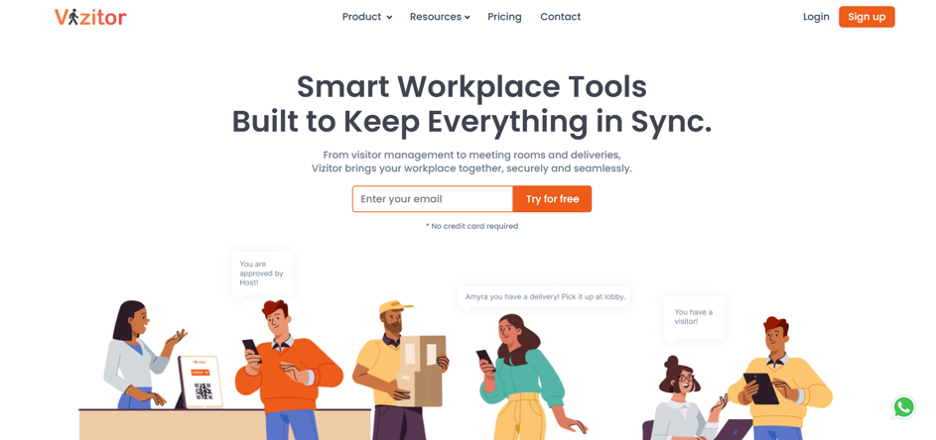
Vizitor’s Visitor Management Platform provides cloud-based check-in solutions for hospitals and large facilities, eliminating the need for manual logbooks and paper forms. Guests can register using tablets, QR codes, or smartphones, making the process fast, contactless, and convenient. Once checked in, visitors receive live queue updates, keeping them informed while easing front-desk congestion. This helps staff manage traffic efficiently across multiple departments.
Key Features:
• Contactless check-in via tablet, phone, or QR code
• Real-time SMS or app notifications
• Smart token assignment for multi-department routing
• Dashboard to monitor visitor flow, wait times, and service load
• Automatic nightly queue reset
• Secure data storage with encryption and audit logs
Pros:
• Easy to use for both visitors and staff
• Scales efficiently for large healthcare settings
Cons:
• Larger facilities may require setup support
• Lower-tier plans limit customization options
Pricing: Plans start at $36/month.
Reviews: Vizitor has a 4.1/5 rating on G2. Users praise its simple interface, affordable plans, and features like photo and ID capture. Some reviews note occasional slow performance.
4. DaySchedule
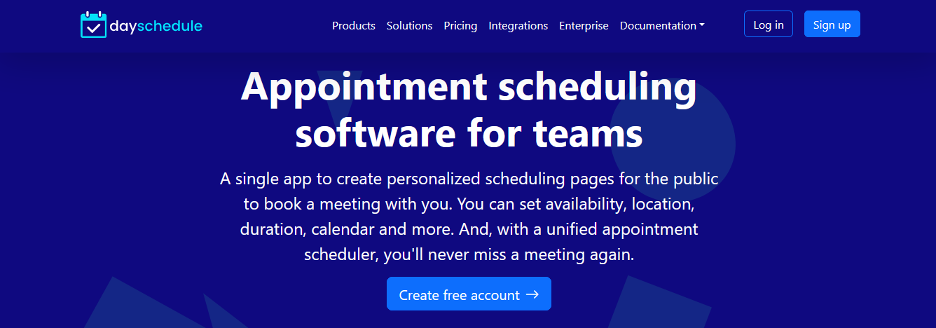
DaySchedule’s Scheduling Platform is a flexible, cloud-based solution that also makes managing visitor appointments simple for modern workplaces. It helps offices coordinate client meetings, service bookings, and internal schedules all from a single dashboard. This makes it ideal for growing companies and hybrid teams looking for an easy way to manage both in-person and virtual visits.
With branded booking pages, calendar integrations, and built-in analytics, DaySchedule keeps scheduling organized without adding unnecessary complexity. Businesses can track staff availability, accept payments for services, and monitor appointment performance—all in one platform.
Key Features:
• Customizable booking pages with online forms
• Group scheduling and role-based access controls
• Integrations with calendars, payment systems, and video conferencing tools
• Real-time analytics for monitoring bookings and team performance
Pros:
• Simple setup and intuitive interface
• Budget-friendly plans suitable for startups and mid-sized teams
Cons:
• Free plan comes with strict booking limits
• Lower-tier plans have limited customization options
Pricing: Free plan available. Paid plans start at $8 per month.
5. NextMe
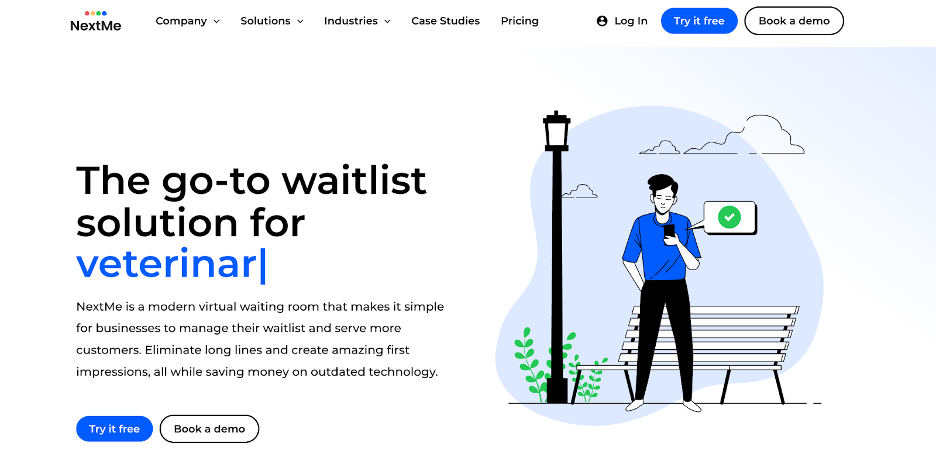
NextMe’s Visitor and Queue Management Platform is a straightforward solution for managing walk-in traffic without adding complexity to the front desk. It’s ideal for small offices, clinics, and service counters that want a cleaner, more organized way to handle visitor arrivals.
Visitors can join the queue directly from their phones and track their position in a virtual waiting room. Instead of waiting at the reception, guests receive SMS notifications when it’s their turn. Businesses can also use the virtual waiting room to share updates, service information, or announcements while visitors wait.
Key Features:
• Touchless mobile check-in with real-time queue tracking
• Virtual Waiting Room with branding and visitor updates
• Automated SMS alerts as a visitor’s turn approaches
• Basic reporting for daily or weekly performance insights
• Integrations with POS and loyalty systems
Pros:
• Simple mobile-first setup reduces front-desk congestion
• Free plan available for small teams
Cons:
• Branded waiting room features require a paid plan
• Free plan does not support multiple locations
Pricing: Free plan includes 100 SMS per month. Paid plans start at $49.99 per month.
6. Archie
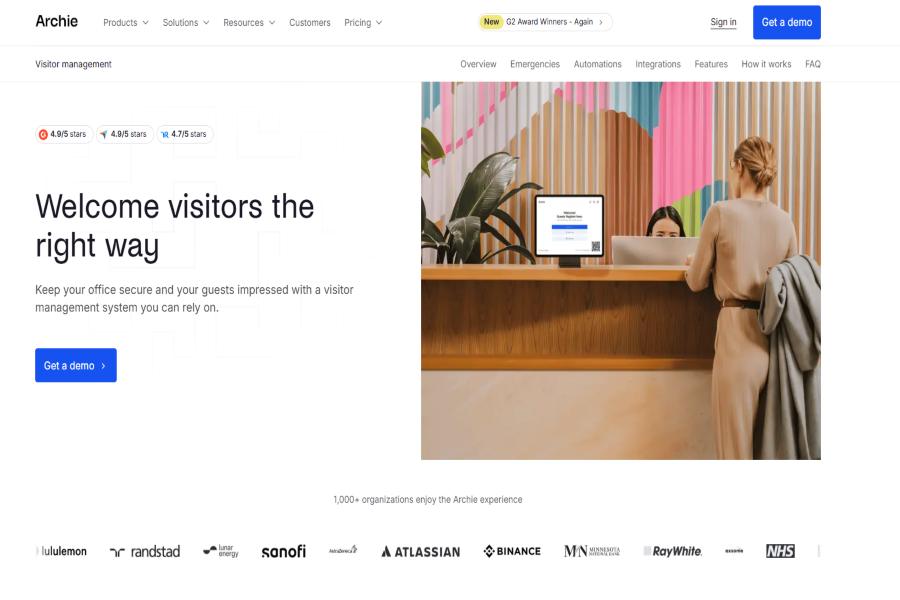
Archie is a workplace management platform that also offers visitor management features designed for modern, flexible offices. It helps teams coordinate guest arrivals alongside desk bookings, meeting room reservations, and overall office usage, making it especially useful for hybrid work environments.
With Archie, businesses can streamline the visitor experience through pre-registration, automated notifications, and a more organized check-in process. By combining visitor management with broader workplace tools, it gives teams better visibility into who is on-site, improving both security and day-to-day coordination.
Key Features:
• Visitor pre-registration and automated check-in workflows
• Real-time visibility of guests and employees on-site
• Integration with desk booking and room scheduling
• Notifications and alerts for host and visitor coordination
• Centralized dashboard for workplace and visitor management
Pros:
• Combines visitor management with full workplace coordination
• Ideal for hybrid teams managing office presence
Cons:
• May offer more features than needed for simple front-desk use
• Best suited for companies already using workplace management tools
Pricing: Starts at $109 per office/month, with custom Enterprise pricing available based on company size and requirements.
Conclusion
Picking the right visitor management solution can transform the way guests experience your workplace. Moving away from paper logs and crowded front desks, these platforms streamline check-ins, manage queues, and keep visitors updated in real time.
Whether your office deals with scheduled appointments, walk-ins, or a mix of both, the right system ensures a smoother, more professional arrival process. The key is choosing a tool that matches your team size, visitor traffic, and the level of experience you want to provide.
FAQs
- What is a visitor management system, and why do I need one?
A visitor management system (VMS) is a digital tool that streamlines guest check-ins, tracks who is on-site, and automates notifications. Using a VMS replaces manual logbooks, reduces front-desk congestion, and creates a professional, welcoming experience for clients, partners, and guests. - How do these tools improve first impressions at the workplace?
By offering fast, organized, and contactless check-ins, visitor management tools ensure guests feel valued from the moment they arrive. Features like pre-registration, automated notifications, and branded waiting rooms make check-ins smooth and professional. - How can businesses keep visitors informed while they wait?
Automated alerts and live queue updates allow visitors to know their place in line without crowding the reception area. The best platforms, such as Qminder, include these features and make it easy to communicate with guests throughout their visit.
- How do these tools help reduce front-desk workload?
Automation features such as pre-registration, automated alerts, self-service kiosks, and virtual waiting rooms reduce manual work for reception staff. This allows teams to focus on assisting guests rather than handling administrative tasks.
- What kind of organizations benefit most from visitor management software?
High-traffic offices, clinics, and service centers benefit the most, as these tools reduce congestion and improve guest experience. For such environments, Qminder stands out as a reliable solution that manages visitors efficiently.