
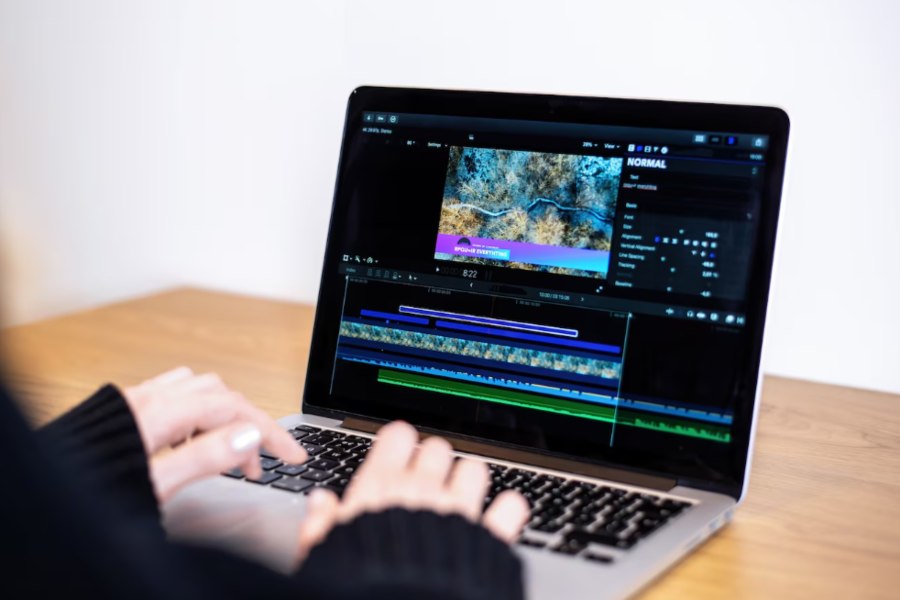
Anyone producing short-form video regularly knows the friction: one app to write a script, another to generate visuals, a third for background music, a fourth for voiceover, and a fifth just to stitch it all together before export. Each tool has its own login, its own credit system, and its own learning curve.
SuperMaker AI Video Maker addresses that specific problem by combining video, image, music, and voice generation into a single connected workspace, so a project can move from a text prompt to a finished, audio-synced clip without switching platforms. This review looks at what each module actually does, how the workflow holds together in practice, what the pricing structure looks like, and who is likely to benefit most.
What SuperMaker AI Is
SuperMaker AI is a browser-based creative suite built around five linked tools: an AI video generator, an AI image maker, an AI music generator, an AI voice generator, and a node-based canvas called Studio. The distinguishing idea isn’t any single generator — plenty of standalone apps produce solid images or voiceovers on their own. What matters here is that outputs move between tools inside the same project: an AI-generated image can become the first frame of a video, and a voice track or music bed can be layered directly onto that video without exporting and re-importing files.
Key Features of SuperMaker AI
Visual Creation: AI Video Generator and AI Image Maker
The video module runs on two core workflows. Text-to-Video takes a written prompt or story idea, turns it into a script, and converts that script into scenes. Image-to-Video animates an uploaded still image, keeping the output’s aspect ratio consistent with the source. The tool draws on several third-party video models, including Veo 3, Veo 3.1, Sora 2, Seedance, Kling, and Wan, so the chosen model can match the intended look — cinematic realism, stylized motion, or accurate lip-sync for dialogue-heavy content. Generated clips can carry synchronized voiceovers, background music, and sound effects, making it a genuinely functional ai video generator for creators who need finished, audio-ready output rather than a silent clip.
The image tool sits right beside it, supporting both Text-to-Image and Image-to-Image generation across multiple underlying models — among them Nano Banana, GPT-4o image generation, Flux, Seedream, and Qwen Image Edit — each suited to a different visual style, from photorealistic product shots to illustrative or anime aesthetics. Users set a prompt, pick a model, adjust aspect ratio and image count, and generate results in seconds. Because image output can feed straight into the video tool, it also functions as a way to build consistent starting frames for animated sequences. This makes it a practical AI Image Maker for marketers and creators who need product visuals, ad creatives, or concept art without booking a photo shoot.
Audio Creation: AI Music Generator and AI Voice Generator
The music module offers two creation paths. Simple Mode takes a short description of mood, genre, and tempo and produces a matching track — no musical background required. Custom Mode allows more control, letting users enter specific lyrics, a title, and a defined style. Output is delivered as royalty-free MP3, with higher-fidelity WAV export and stem separation reserved for paid tiers. An AI lyrics generator and a vocal remover round out the toolkit, and the module works well as an AI music generator for background tracks on social videos, ads, or podcast intros.
The voice tool converts scripts into spoken audio, supporting more than 50 languages across a library of voice profiles with different tones and delivery styles. The process is direct: paste in a script, choose a voice, generate. Audio typically renders in under a minute, and every clip saves into the same shared asset library used across the platform — a practical detail for anyone building narrated explainers or character dialogue for video projects.
Studio: Node-Based Canvas for Repeatable Pipelines
Studio is the platform’s most advanced feature: an infinite, zoomable canvas where text, image, and video nodes connect into a visual pipeline. Instead of running each generation as a one-off, a text prompt can feed an image node, and that image can route into a video node as a reference frame — effectively a repeatable Text-to-Image-to-Video pipeline. The canvas auto-saves every node and connection, supports batch generation, and includes a history panel with undo/redo, which matters for anyone managing multi-scene projects rather than isolated clips.
How the Workflow Comes Together
A typical project follows a consistent sequence regardless of which tool it starts in.
Step 1: Define the Output and Write the Prompt
Start by deciding what the end product is — a video, an image set, a music track, or a narration — then open the matching tool and write a detailed prompt covering subject, setting, tone, and style. Vague prompts tend to produce generic results, so specificity at this stage carries through to the final output.
Step 2: Select the Model and Generate
Each media type gives access to several underlying models, so the next step is matching the model to the intended look — photorealistic versus illustrative for images, cinematic versus fast social-clip style for video. Generation typically completes in seconds to under a minute, and results can be regenerated with adjusted prompts if the first pass misses the mark.
Step 3: Combine Assets Across Tools
This is where the platform’s integration pays off. An image can become a video’s starting frame, a voice track can be layered onto a finished clip, and a music bed can sit underneath both — all pulled from the same shared asset library instead of being exported and re-imported between separate apps. For anyone assembling a complete video from individually generated elements, this step turns four disconnected outputs into one finished export.
Pricing
SuperMaker AI runs on a credit-based system, where video, image, music, and voice generations each consume a set number of credits.
| Plan | Access | Notable Inclusions |
| Free | No login needed to try most tools; login unlocks starter credits | Limited HD access; watermark-free downloads require login |
| Pro | Paid subscription, monthly or annual (plans start around $30/month billed annually) | Higher yearly credit allowance, premium video models, watermark-free HD downloads, faster and private generation |
| Enterprise | Highest credit tier | Largest annual credit pool, WAV export and stem separation for music, full commercial usage rights |
Free users can explore the core tools without a credit card; higher-resolution exports and commercial licensing sit behind the paid plans.
Who It’s For
- Content creators making short-form video for TikTok, Reels, or YouTube Shorts get the most direct value from the connected video-image-audio pipeline.
- Marketers use the image and video tools together to generate campaign visuals and product demos without external production costs.
- Educators and course builders combine the voice and video modules to turn scripts into narrated explainer content.
- Independent musicians and game developers lean on the music tool for royalty-free scores and character themes.
- Small teams and solo creators who want one credit system and one asset library instead of managing subscriptions across four separate tools.
Final Verdict
SuperMaker AI isn’t positioned as the single best video, image, or voice model on the market — its value is in how those pieces connect. For creators tired of exporting from one app and importing into another, that integration is the real time saver, backed by a free tier that costs nothing to test. Whether it’s the right fit depends on the use case: teams that need one flexible hub for video, image, music, and voice will likely see real production-time savings, while those chasing best-in-class output in one narrow category may still want a specialized tool alongside it. Either way, the free plan is a low-risk starting point.